




Give your buyers consistent info from listing to listing
Revise, rename or delete templates whenever you want
Create up to 50 different templates
How to create selling templates
You can create reusable listing templates from Seller Hub:
1. In the Seller Hub Listings tab click on Listing Templates in the sidebar menu (1), or use the quick link, and select Create new template (2).
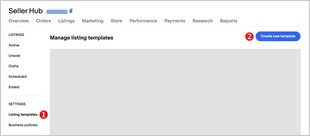
2. Name your template (1) so you’ll remember the type of item it covers.
3. Add in the rest of your listing details (2). Check out the detailed guide on how to use the new streamlined listing tool.
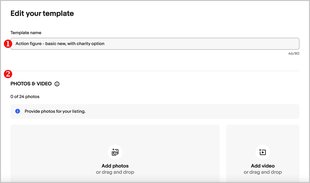
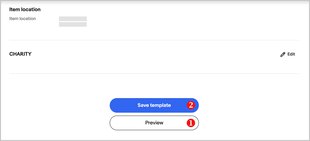
4. Preview (1) and Save the template (2).
You can create up to 50 different templates.
How to use your template
To create a listing from your template:
1. Go to Listing templates in Seller Hub.
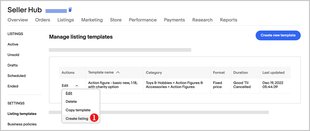
2. Select Create listing (1) from the Actions dropdown menu.
3. Complete your listing.
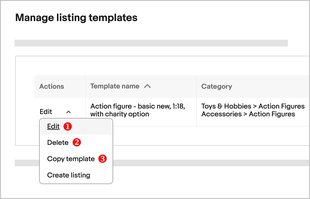
From the Actions dropdown you can also edit (1), delete (2), and copy (3) your template.
Editing a template won't change any listings already made with that template.